Yealink SIP Phones in Singapore: The Complete T7 & T8 Series Guide
 Hamza SaadiFounder of Dromlik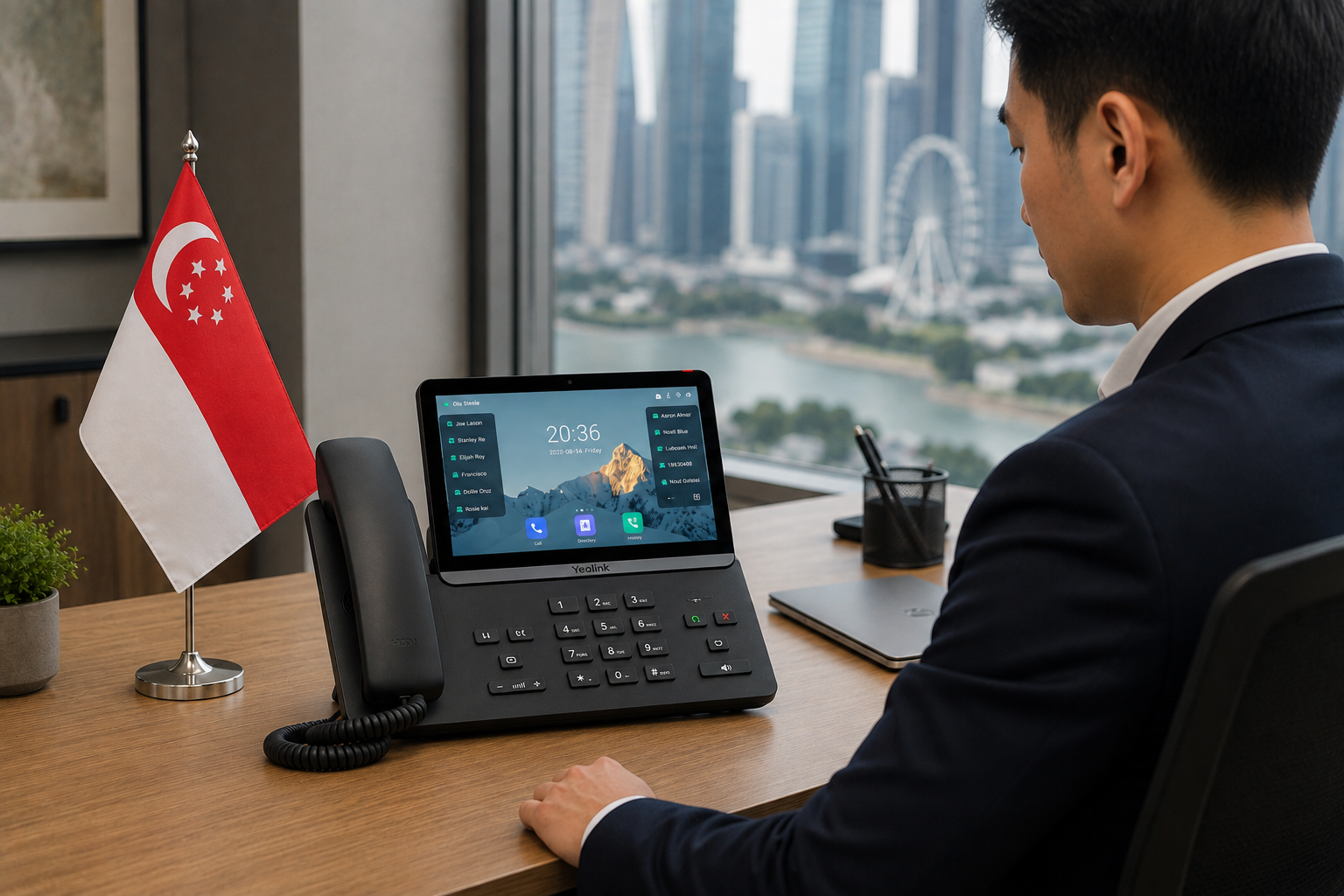
Quick summary
- Yealink is the world's largest SIP desk phone brand, and its T7 and T8 series are the phones Dromlik supplies and auto-provisions for Singapore businesses.
- Dromlik, a cloud phone system for Singapore businesses, works fully without desk phones — but for staff at a fixed desk taking high call volumes, a physical Yealink handset still offers real advantages over a softphone app.
- The T7 series covers general office use up to high-volume call handling; the T8 series adds touchscreens, Wi-Fi 6, and video calling for executive and reception use cases.
- This guide breaks down each model so you can match the right phone to the right role on your team.
Do You Actually Need Desk Phones?
Honest answer: not always. Most Dromlik customers run entirely on the mobile and desktop apps that come with the Dromlik business phone system — no hardware to buy, no devices to manage, full flexibility for remote or hybrid teams.
Desk phones still make sense when:
Staff sit at a fixed desk for most of the day. Receptionists, contact centre agents, and office-based teams handling high call volumes tend to find a dedicated handset more comfortable than a headset or laptop mic.
You want physical programmable buttons. Speed dial, BLF (Busy Lamp Field) keys showing colleague availability, and one-touch transfer are all faster on hardware than in a software interface.
Call quality is critical. A wired, ethernet-connected IP phone delivers consistently strong audio without the variables that affect softphone calls — laptop mic quality, background noise, driver issues.
You're running a reception desk or switchboard. Seeing who's on a call, parking calls, and transferring quickly is still smoother on a proper desk phone than any software equivalent.
Why Yealink?
Yealink is the world's number one brand for SIP desk phones by global market share, used by businesses across more than 140 countries. For Singapore businesses specifically, three things stand out:
Build quality. The T7 and T8 series are premium devices — solid construction and hardware built to handle years of daily use in a busy office.
Audio quality. Yealink's HD audio with acoustic noise reduction delivers clear, natural call quality on both ends — noticeable for client-facing and professional service roles.
Auto-provisioning with Dromlik. Order a Yealink phone through Dromlik and it arrives pre-configured for your system. Plug it in and it's ready — no manual setup, no IT support required.
Yealink T7 Series
The T7 series is Yealink's professional range — feature-rich enough for serious daily use, without the cost of the flagship T8 series. All T7 models include HD audio, colour displays, and Gigabit ethernet.
SIP-T73U — up to 8 SIP lines, 4" colour display. A clean, capable phone for general office use.
SIP-T73W — the T73U with Wi-Fi added, for desks where running an ethernet cable is inconvenient.
SIP-T74U — up to 12 SIP lines, 4.3" colour display, more programmable keys for staff managing multiple lines.
SIP-T74W — the T74U with Wi-Fi, same larger display and line capacity with wireless flexibility.
SIP-T77U — up to 16 SIP lines, 7" adjustable touchscreen. Built for power users who live on the phone — high-volume call handlers and switchboard operators.
Yealink T8 Series
The T8 series is Yealink's flagship range — touchscreen interfaces and hardware built for intensive professional use, for businesses where the phone is a primary working tool rather than one device among many.
SIP-T85W — up to 12 SIP lines, 5" colour display, Wi-Fi 6. Entry point to the touchscreen T8 experience.
SIP-T87W — up to 16 SIP lines, 7" adjustable touchscreen. Designed for reception desks needing both a touch interface and extensive programmable keys.
SIP-T88 — up to 25 SIP lines, 7" touchscreen, Wi-Fi 6, built-in camera on select configurations for video calling directly from the desk phone. Yealink's smart business phone for professionals and executive desks.
Comparing the Range
Model | Series | SIP Lines | Display | Best For |
|---|---|---|---|---|
SIP-T73U | T7 | Up to 8 | 4" colour | General office use |
SIP-T73W | T7 | Up to 8 | 4.3" colour, Wi-Fi | Wireless desk setups |
SIP-T74U | T7 | Up to 12 | 4.3" colour | Managers, multi-line users |
SIP-T74W | T7 | Up to 12 | 4.3" colour, Wi-Fi | Wireless multi-line desks |
SIP-T77U | T7 | Up to 16 | 7" touchscreen | High-volume call handlers |
SIP-T85W | T8 | Up to 12 | 5" colour, Wi-Fi 6 | Entry touchscreen users |
SIP-T87W | T8 | Up to 16 | 7" adjustable touchscreen | Busy reception desks |
SIP-T88 | T8 | Up to 25 | 7" touchscreen, Wi-Fi 6 | Executives, professionals |
Auto-Provisioning: How It Works With Dromlik
When you order a Yealink phone through Dromlik, provisioning happens automatically. The phone arrives configured for your system — your extension, your call flows, your BLF keys showing the right colleagues. Plug it into ethernet, or connect to Wi-Fi on wireless models, and it's ready.
Adding a new team member means their phone is provisioned remotely — it doesn't need to come back to anyone for setup. Moving a phone between desks is handled from the Dromlik dashboard.
Getting Started
Yealink T7 and T8 series phones are available directly through Dromlik's SIP phones page for delivery in Singapore, with auto-provisioning included as part of the order. If you're not sure which model fits your team, we're happy to recommend one based on how your staff actually use the phone day to day.
Ready to see it on your own numbers?
Talk to our Singapore team about porting your numbers, or start with a short demo — no long procurement cycle, no hardware to buy.